Are you searching for profitable design ideas or high-value keywords for hours on end and feeling like you’re running into a wall? Everyone gets frustrated when their competitors seem to have no trouble putting out best-sellers while your hard work goes unnoticed. This is where Merch Ninja comes in. You can think of it as your digital “stealth warrior” in the world of Merch by Amazon (MBA).
This software turns your creative problems into clear ways to make money by giving you lightning-fast market insights, accurate data, and improved trademark security. This guide will show you why this platform is the key to dominating the market and why GroupbuySeoTools is the best place to begin your journey.
What is Merch Ninja?
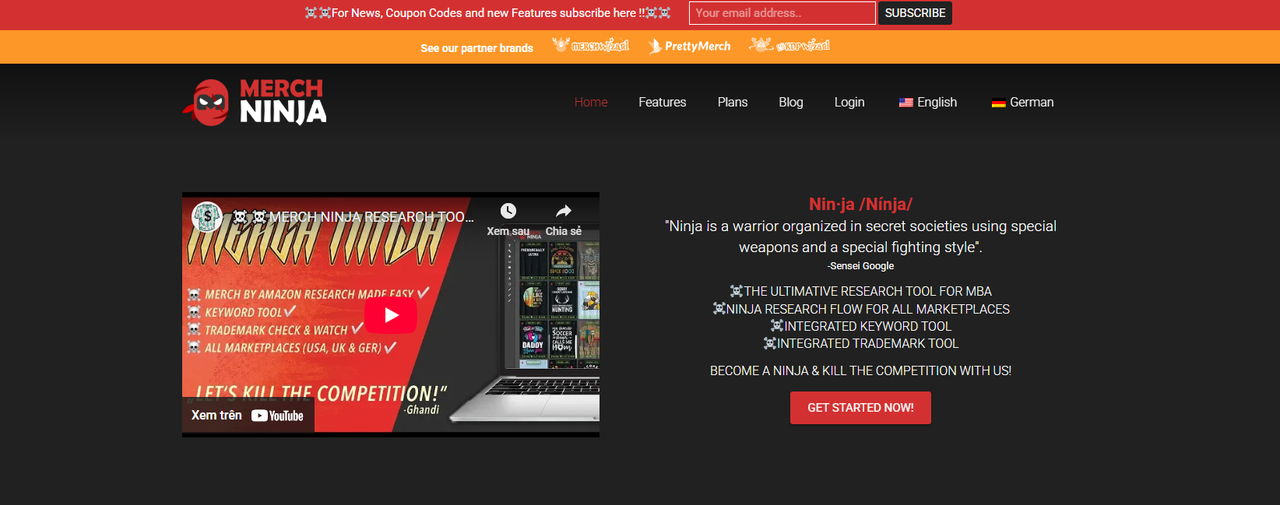
The Merch Ninja Command Center: A high-performance interface providing access to over 5 million designs across major global POD markets.
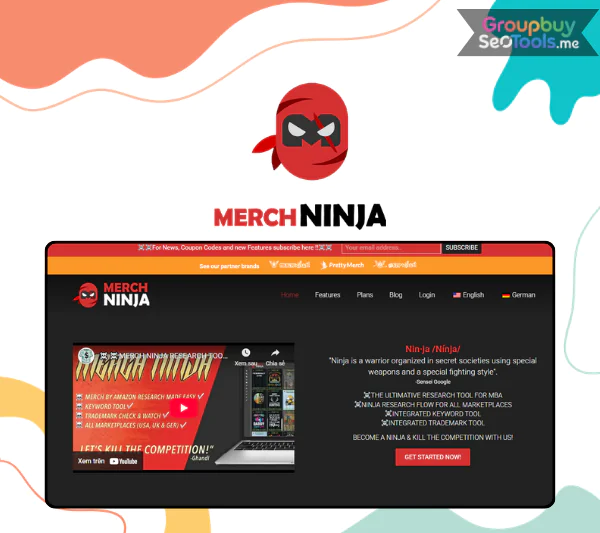
Merch Ninja is an elite research suite designed exclusively for the needs of Merch by Amazon entrepreneurs. With a massive database spanning over 5 million designs across the US, UK, and Germany, it acts as a “stealth warrior” for your business. It allows you to uncover high-potential niches, refine your keyword strategy, and shield your account from the legal risks of trademark infringement. It is built for speed and security, ensuring you always stay one step ahead of the competition.
The Architects: Ninja Technologies LLC
Ninja Technologies LLC is an innovative tech company based in Germany, and this program is their best-known product. They have made a tool that combines deep analytical study with easy-to-use automation. They are known for putting a lot of emphasis on efficiency and data integrity. Their tech team keeps the data stream up to date so that users always have the most up-to-date information in the fast-paced world of print-on-demand.
Core Features: Your Roadmap to Sales
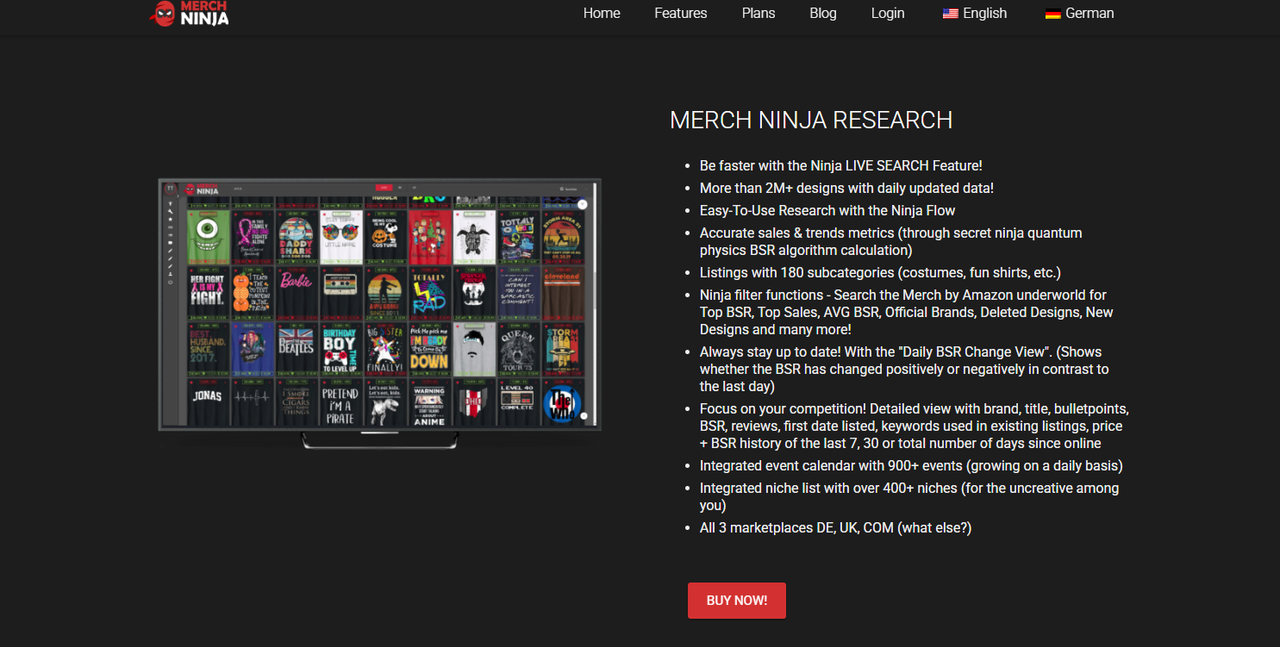
Strategic toolkit: Merch Ninja integrates every tool necessary for professional niche research and brand protection in one place.
Ninja Live Search: Instant Inspiration
The Live Search module is the heart of the site; it gives you daily access to millions of designs. Granular filters let you find untapped goldmines, new goods, or even “deleted designs” that you can look at to learn what not to do. You can quickly tell the difference between hobbyists and high-earners by filtering by Best Sellers Rank (BSR).
Competitive Intelligence: See Through the Noise
This tool gives you a magnifying glass to look at how your competitors are doing things. You can see a product’s full BSR history for 7 days, 30 days, or forever, which shows how its prices and keywords have changed over time. You can copy success with your own twist if you know when a product made its first sale and how its ranking has changed over time.
The Killer Keyword Tool: SEO Mastery
The people who come to your shop are its soul. This module finds popular keywords that your rivals may have missed. It gives you supply-versus-demand charts by looking at real Amazon search data. This helps you choose the best keywords for your US, UK, and German stores to get the most traffic.
Automated Brand Guard: Ninja TM Check
You have to keep your Amazon account safe. Your listings are checked against five foreign databases by the Ninja TM Check and Watch feature. These are the USPTO, WIPO, EUIPO, DPMA, and IPO. The “Watch” tool doesn’t just check once; it sends you email alerts if a phrase you are using later becomes trademarked. This lets you act before you break the law.
Event Calendar & Niche Catalogs
Don’t miss another chance to sell again. You’ll always have new design ideas with a calendar of more than 900 global events and a hand-picked list of more than 400 niches. You’ll be ready months ahead of time for any event, whether it’s a German fair or a big US holiday.
Streamlined Favorite Lists
To scale, you need to be organized. You can make custom hubs to store your best research results, whether they are keywords, designs, or niches. You can give these lists to your designers or virtual assistants in CSV file, which will keep your workflow professional and on track.
Design Performance Tracker
This “set it and forget it” tool keeps an eye on certain ads over time. It keeps real-time track of sales speed, review numbers, and BSR changes. It’s the best way to see if a niche has promise before you spend a lot of time making designs for it.
Built for Mobile Velocity
Platforms that are hard to use and take a long time to load are not as fast as Merch Ninja. It’s easy to use, and you can handle thousands of patterns in a flash. You can do research on a computer or phone while you’re on the go because it is fully responsive. This way, you can make the most of your free time.
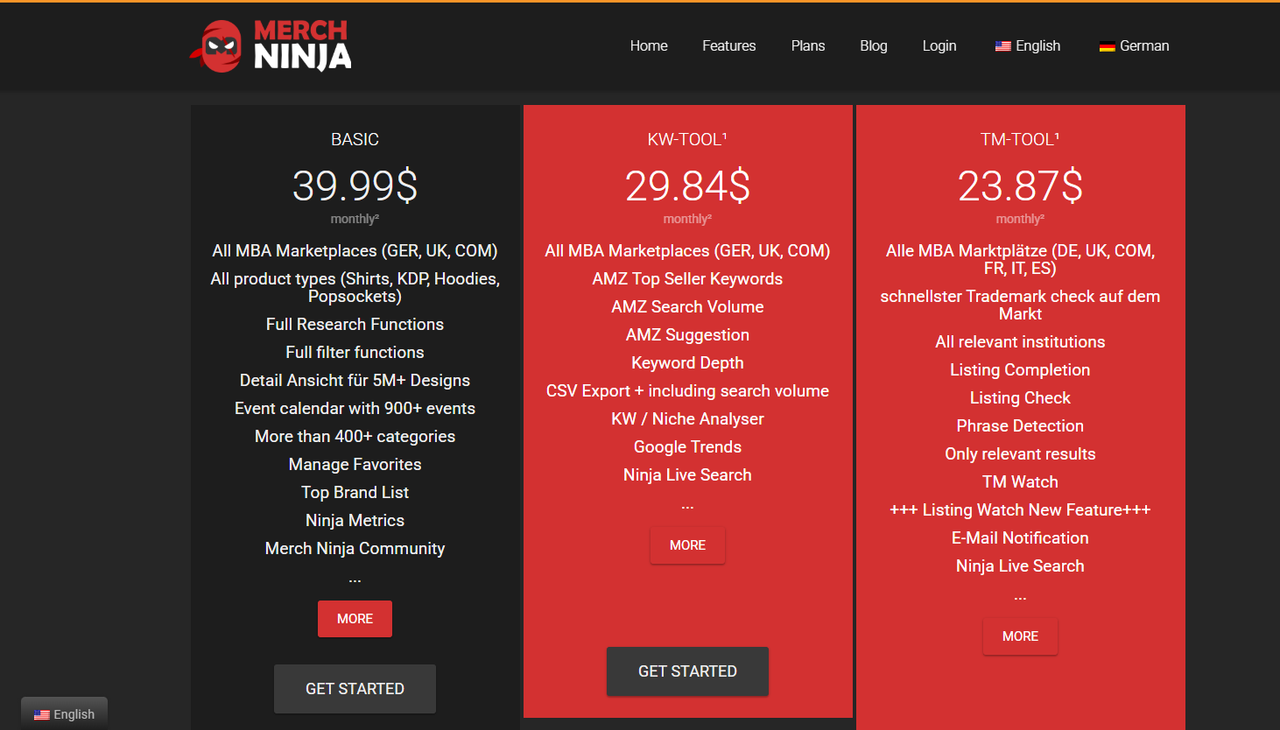
Pricing Structure: Official Comparison
Module / Capability
BASIC ($39.99/mo)
KW-TOOL ($29.84/mo)
TM-TOOL ($23.87/mo)
Core Research Functions
✅ Full Access
–
–
BSR Detail (5M+ Designs)
✅ Included
–
–
900+ Event Calendar
✅ Included
–
–
Search Volume Data
–
✅ Included
–
Keyword Depth Analysis
–
✅ Included
–
Trademark Check (Global)
–
–
✅ Included
TM Watch (Email Alerts)
–
–
✅ Included
Get Merch Ninja for Less at GroupbuySeoTools
Professional access at a fraction of the cost: Save up to 70% on your Merch Ninja subscription through our exclusive member rates.
Are you ready to move up without spending a lot of money? GroupbuySeoTools is the most affordable way to do serious POD research. You can try out all of our features with our $3 sample pack. Check out our monthly plan for just $12 if you like what you see. For $52, our 1-year package is a huge deal. You save hundreds of dollars a year compared to what the official site charges for all of its tools together. You still get the same high-quality info, though.
Why our community trusts GroupbuySeoTools
Huge Savings: We think that the cost of skilled tools shouldn’t stop people from buying them. With our yearly plan, you can use the money you save to buy better designs.
Expert Support You Can Trust: Our team is ready to help you learn how to use the site so that you get the most out of your subscription right away.
Testing with No Risk: Our $3 starting level lets you check out the tool’s strength for the cost of a coffee.
Payments Made Easier: We offer a safe and easy way to pay, whether you prefer bank transfers or e-wallets.
Step-by-Step Purchase Guide
Navigate: Visit the GroupbuySeoTools homepage and find Merch Ninja in the tool directory.
Select: Choose the plan that fits your current goals: $3 for a trial, $12 for a month, or $52 for a full year.
Checkout: Add the item to your cart and proceed. If you’re new, simply register with your email.
Secure Payment: Select your preferred payment method and finalize the order.
Activation: We will instantly email your login credentials along with a clear setup guide.
Launch: Log in to the platform and start uncovering the niches that will transform your Amazon sales.
The Balanced View: Pros and Cons
The Pros
Massive Data Integrity: With over 5 million designs and daily BSR updates, you’re never looking at “old” information.
Unified Ecosystem: It eliminates the need for 3-4 separate subscriptions by combining keyword, trademark, and niche tools.
Intuitive UX: The interface is clean and works beautifully on both desktop monitors and mobile screens.
Market Specificity: Detailed data tailored specifically for the US, UK, and German marketplaces.
The Considerations
Platform Learning: The advanced filters and tracking metrics offer so much data that it may take a few days to fully master the workflow.
Amazon Pulse: Since it relies on Amazon’s data feed, shifts in Amazon’s internal algorithms can occasionally affect ranking displays.
Who is the “Ninja” Lifestyle For?
The Beginner: Use the 400+ niche lists and event calendar to stop overthinking and start creating designs that people are actually searching for.
The Scaler: Use competitor BSR history and price tracking to find exactly where you can undercut the market and win the “buy box.”
The Full-Time Pro: Utilize the Favorite Lists and CSV exports to manage a team of designers across hundreds of products.
The Security-Conscious: If you value your Amazon account, the automated TM Watch alerts are an essential insurance policy.
A Pro’s Roadmap to Mastery
Step 1: Building the Base
Use the information you got from GroupbuySeoTools to log in. Turn on your Trademark Watch messages right away by going to settings. This will keep you safe from the start.
Step 2: Look for a niche
Click on “Live Search,” pick the “COM” (US) market, and then look for “Top BSR.” Look for styles that sell well but don’t have many reviews. This means there is a market that is ready to be filled.
Step 3: Gather keywords
Type in the area you want to focus on into the “Killer Keyword Tool.” You can make a list of the title and bullet points for your listing by exporting the high-volume, low-competition terms to a CSV file.
Step 4: The Last Checkup
Before you send your listing to Amazon, use the “TM Check” to make sure it is correct. You can post as long as the screen stays green.
Step 5: Keep an eye on things
Include your fresh plan in the “Design Tracker.” Check back in 7 days to see if your BSR is going in the right direction and if your prices need to be changed.
Common Questions About GroupbuySeoTools
Is the $3 trial limited? You don’t have to pay anything to use the premium features during the trial time.
Can I use it on my iPhone?
Yes, you can do study on the go because the platform is fully mobile-friendly.
What is a “Shared Account”? By splitting the cost of the seats with the rest of our community, we can give you access to these expensive tools without breaking the bank.
How fast is technical support?
Our team is available by email and hotline, and any problems with access are usually fixed in minutes.
Merch Ninja is more than just a study tool; it can give your Print On Demand business a competitive edge that can make or break it. It takes the guesswork out of selling on Amazon with its huge data pools, top-notch copyright protection, and lightning-fast interface. If you choose GroupbuySeoTools, you can get this high-level information at the best price in the business. Don’t let your rivals get ahead; get the information you need right now to turn your crazy ideas into a thriving business!
 AI All-in-One
 Ecom Tools
 Others
 AI
AI AI Audio
 AI Dev Tools
 Cloud & Storage
 Edu Tools
 Relax Tools
 Ecom Tools