AI All-in-One
 Ecom Tools
 Others
 AI
AI AI Audio
 AI Dev Tools
 Cloud & Storage
 Edu Tools
 Relax Tools
 Ecom Tools
kiki.dev Super
$38.00

$38.00

Sent via customer’s email

12-24hrs

All-in-one Subscription
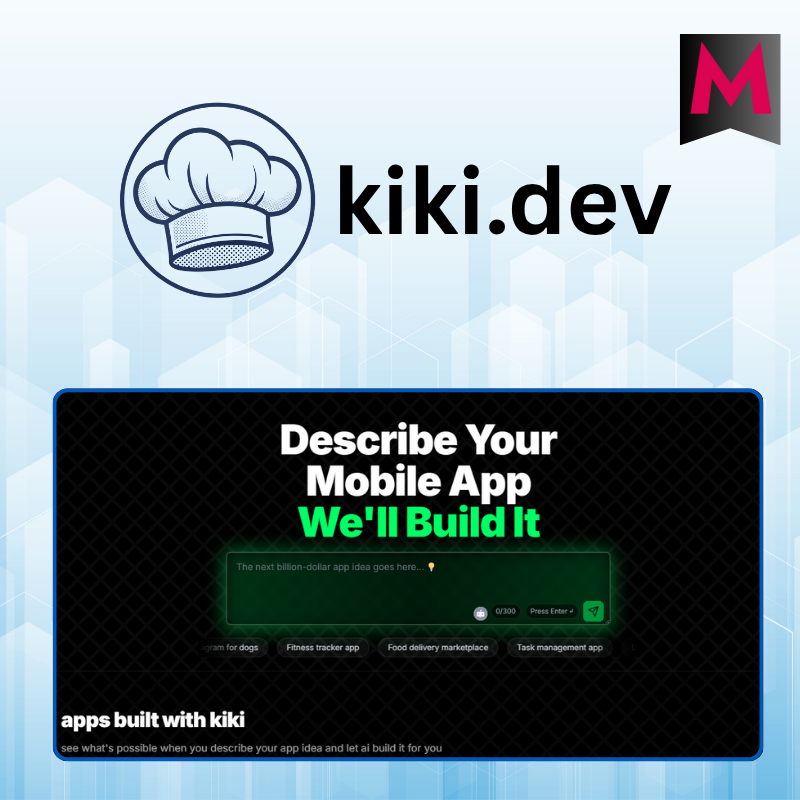
Kiki.dev is an AI-powered platform that instantly turns natural language ideas into fully functional web or mobile applications, without requiring any coding or setup.
Official website: https://www.kiki.dev/
Building an app no longer has to start with complex code or time-consuming setup. With AI reshaping how products are created, turning an idea into a working application is now faster and more accessible than ever. This review will walk you through Kiki.dev, a platform designed to transform simple descriptions into real, deployable apps in just minutes.

Kiki.dev is an AI-powered web application platform that allows users to describe an app idea in natural language and receive a fully functional product in just a few minutes. No coding required, no complex software installation, simply write a description, click a button, and a mobile or web application is generated, ready for testing or deployment.
What makes kiki.dev truly special is its instant and all-in-one nature: you can build an app, preview it live, download the complete source code, push it to GitHub, and deploy it online with just a few clicks
At kiki.dev, everything is built around simplicity and efficiency. Even if you have never written a line of code, the platform still enables you to create fully working applications, not just mockups or demos.
One of the most impressive features is the ability to convert natural language descriptions into complete mobile applications. For example, you can simply type: “Create a simple to-do list app that can add, delete, and save tasks,”
and within seconds, you’ll have a fully functional app. It may sound like magic, but that’s the power of AI.

In addition, kiki.dev allows you to:
All of this works directly in the browser. No extra software installation, no specialized development environment required. That’s why kiki.dev truly feels like a “coding studio” for everyone.
Whether you’re a beginner or someone with basic tech knowledge, using kiki.dev is incredibly simple. Here’s a typical user journey you can try:
1. Create a free account
Visit https://www.kiki.dev, and click “Sign In” or “Sign Up.” You can use a temporary email or a real account, whichever you prefer. Or, you can upgrade directly to a kiki.dev Super account through our shop.
2. Describe your idea
 After logging in, click “Start Building” and enter a description of your app idea.
For example: “I want a task management app that can add, delete, mark tasks as completed, and save data.” Kiki’s AI will immediately process the request and generate the app.
3. Preview the app
The app interface is displayed live. You can test features directly in the browser smooth, intuitive, and just like using a real application.
4. Customize and store data
Kiki lets you deploy your app to a personal URL, store data locally, or connect to Supabase for online data storage. Want to add more features? Just type a simple request in English, such as: “Add login authentication.”
5. Export source code and push to GitHub
You can download the full source code for free. You can also push the code to GitHub with one click, extremely convenient for further development or community sharing.
6. Manage projects
Every app is saved in your dashboard. You can edit, redeploy, update features, or create new apps in just a few steps.

At GroupbuySeoTools, you can upgrade to an official kiki.dev Super account for just $38 per year, currently the best price on the market.
Compared to buying directly from the official site (which may cost hundreds of thousands to millions per month once subscription pricing is fully applied), GroupbuySeoTools offers a dramatically more affordable option, a truly worthwhile investment for anyone serious about building digital products.
With a kiki.dev Super account from GroupbuySeoTools, you get full access to:
❓ Do I need coding skills to use kiki.dev?
Not at all. Just write your idea in English (or any language and lightly translate it). If you know code, you can download and customize further.
❓ Do I own the source code after purchasing from GroupbuySeoTools?
Yes. You can download the source code, push it to your GitHub, and continue development freely.
❓ Is there a limit on the number of apps I can create?
With a Super account, you get up to 4,000 prompts per month, effectively unlimited for learning, testing, and MVP building.
❓ Can apps be published to the App Store or Google Play?
Yes. kiki.dev supports publishing to iOS and Android. You just need developer accounts and basic configuration.
❓ What if I encounter errors during use?
GroupbuySeoTools provides technical support via fanpage, Zalo, or email. From system errors to complex setup issues, you’ll never be left alone.
Based on feedback from the developer community, kiki.dev is not just a “fun tool”, it’s a practical launchpad for turning ideas into real applications. With AI support, development time is dramatically reduced while saving both money and effort.
If you’ve ever dreamed of a tool where “an idea instantly becomes an app,” kiki.dev Super is that dream realized. And if you want to save money while still using a stable, official, fully featured account, GroupbuySeoTools is the most trusted choice.
| Time | 1 year |
|---|
There are no reviews yet.